
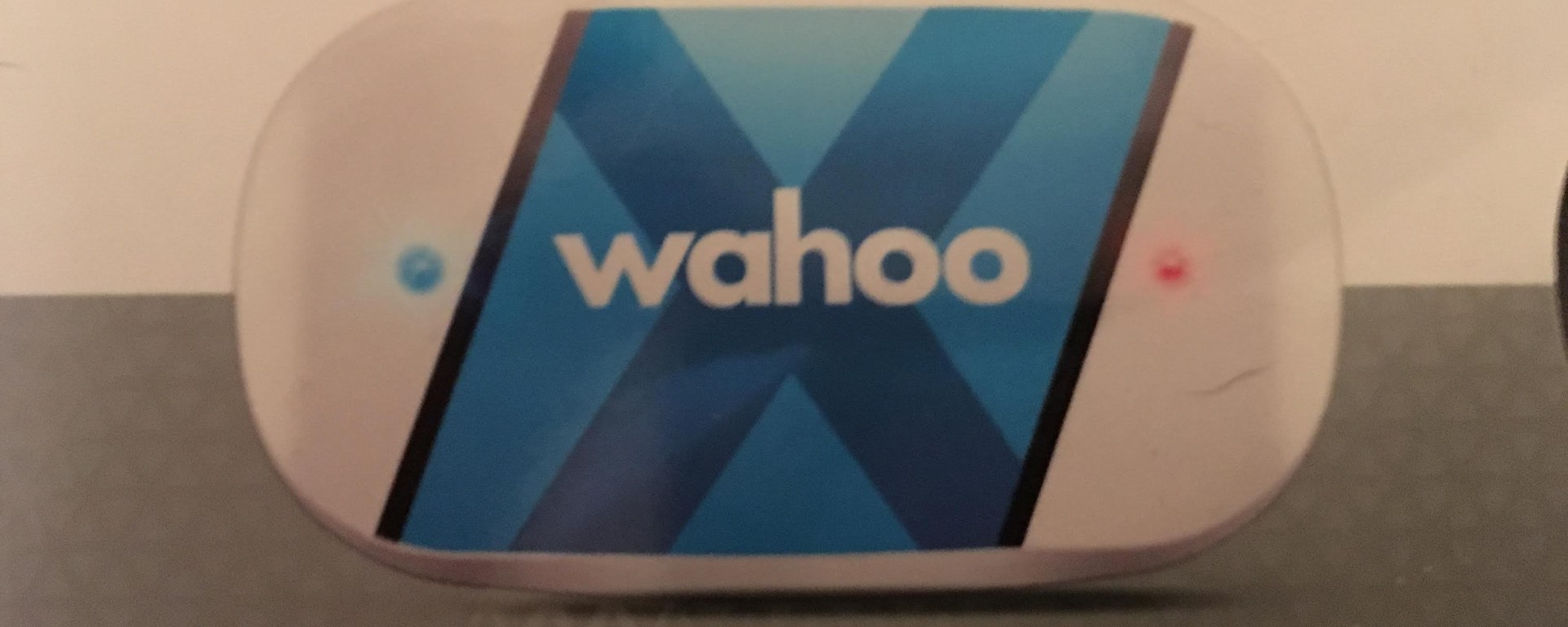
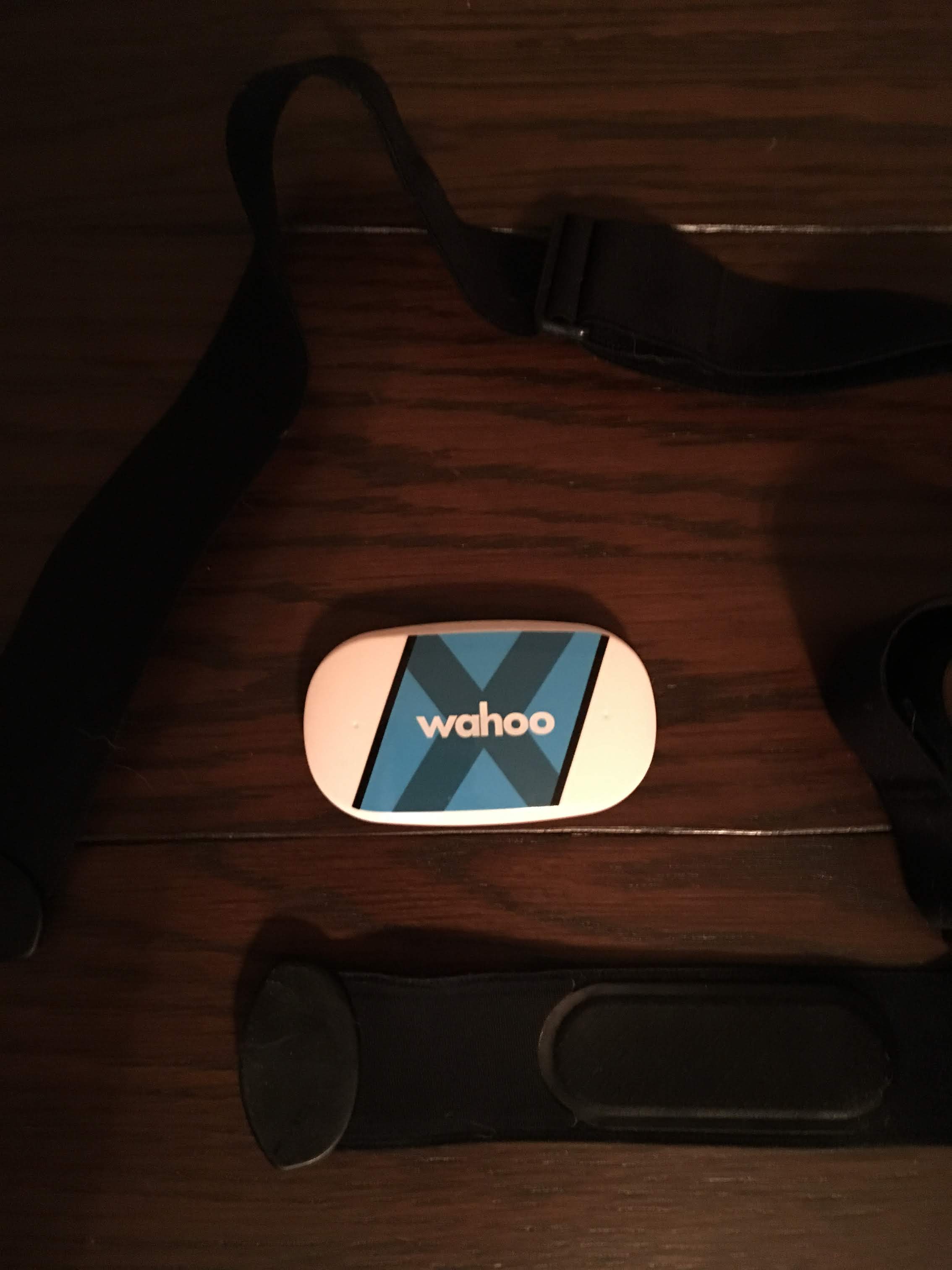
Device: Wahoo TICKR X Heart Rate Monitor with Memory, Bluetooth / ANT+
Price: $79.99
Overall Performance: Very Good
My Experience: After my first marathon, I decided I wanted to begin training with a heart rate monitor. I had heard David Goggins discuss the benefits of training with a heart rate monitor on the The Joe Rogan Experience podcast. I was torn between the Wahoo TICKR X and the Polar H10. I used the following article to make my decision. Ultimately, the TICKR X has the most features for the price. So far, I have had no issues with the product. It is relatively comfortable to wear. You just wet the strap, attach the strap around your chest, and then it automatically turns on. I will update this post if I have any issues, but in the past month and a half, it has worked as advertised.
Price: Free or Annual Subscription $29.99/Year or Monthly Subscription 5.99/Month
Pros: Social aspect to the app, free version works well, lots of extra features, supports multiple activities, no HR monitor required but they are supported
Cons: Some data not available unless your willing to pay for it, the MVP features do not seem worth the money
Overall Performance: Good
My Experience: I have used the MapMyRun app for the past 2+ years. Before apps, I used to use a website of the same name to plot out my runs. I assume Under Armour bought it? I have really enjoyed my experience with this app. I have mostly used the free version, but am currently trying out the subscription service on a 14-day free trial. Some of the functionality the app includes is GPS tracking; it notifies you every mile with your pace and gives you a breakdown of your run after your workout. Some of the workout breakdown is stuck behind the paywall, and you need to become an MVP member to see all of your data. As I mentioned, I am currently an MVP member on a free trail. One of the features that I have enjoyed besides the extra data is the coaching. Basically, it lets you set a goal pace and will notify you every 2 minutes (you can adjust this) whether you are ahead or behind this pace. Also, if you enjoy social media, this is a great app. When you complete your exercise, you have the option to take a picture, and write a post (similar to Facebook). You can then share your post with only friends, or the entire public community (you can also keep your posts private if you choose). People can then comment on these posts. The app has also worked well with my Wahoo TICKR X even though it is a third party device. My only issue with this app is the paywall. I just find it annoying to have some data locked behind this paywall. I have not used the MVP version for long, but just don’t find it worth the money at this point. If you do not have an interest in using a HR monitor, I would say this app is very good.
App: Wahoo Fitness
Price: Free
Pros: All data available for free, multiple activities supported, simple UI
Cons: Really only for Wahoo device users
Overall Performance: Good
My Experience: I downloaded this app as soon as I got my HR monitor since I saw that it was made by Wahoo. At first, I had a lot of issues with it. The GPS would show the entire running route, but the mileage at the end of the run was way off (e.g. it would show 1 mile instead of 4 miles). I tried re-downloading the app. In the reviews of the app, I noticed one of the reviewers complain that the app wanted to use the customers location at any time, and not just when using the app. A Wahoo developer replied to the complaint that the location feature needed to be enabled at all times, otherwise the GPS would stop working as soon as the screen was locked. He also mentioned that no location data is supplied to third parties, but merely needed for the app to run properly (this does not seem to be an issue with MapMyRun app). After making this change in settings, the app has worked fine with no issues. The reason I give this the same overall performance as the MapMyRun is that all the core data is supplied for free. There are less features, but the data is all I really care about.
App: Wahoo Runfit
Price: Free
Pros: All data available for free, multiple activities supported, Best UI (personal opinion)
Cons: Really only for Wahoo device users or Apple Watch users
Overall Performance: Very Good
My Experience: I noticed this app when I was re-downloading Wahoo Fitness, and decided to test it as well. If it was not for this app I would be tempted to stay with the MapMyRun app and pay the $29.99. I just like how clean the UI for this app is. When launched, you have three main workout types to choose from: Run/Walk, Cardio, or Strength. You do have some ability to narrow down the actual workout you are doing from there, but overall there are not as many options as MapMyRun or Wahoo Fitness provide. For my purposes, I like this better. The interface is very direct and simple to navigate. Your workout data is presented in a nice overview with the ability to drill down deeper. If you use your TICKER X without your phone, it will sync the workout the next time you open the app, and your TICKER is connected. When I tested this, it did not sync the GPS information (as it would if your phone was connected); it only showed the HR, calories and time. I also like that on the results page, it summarizes the number of workouts you have performed, the total hours worked out, and the calories burned for the week. The ease of use for this app, in my opinion, sets it apart.
Wanted to pass along some of the equipment and apps I am currently using. For now, I am going to stick with the Wahoo Runfit app, but all the apps listed above work well depending on what you want to use them for. If you have any questions, please let me know in the comments below!
Update: I am still using the Wahoo RunFit app, but wanted to mention not to use the Auto Pause feature. I have had issues with this feature.
 My Events